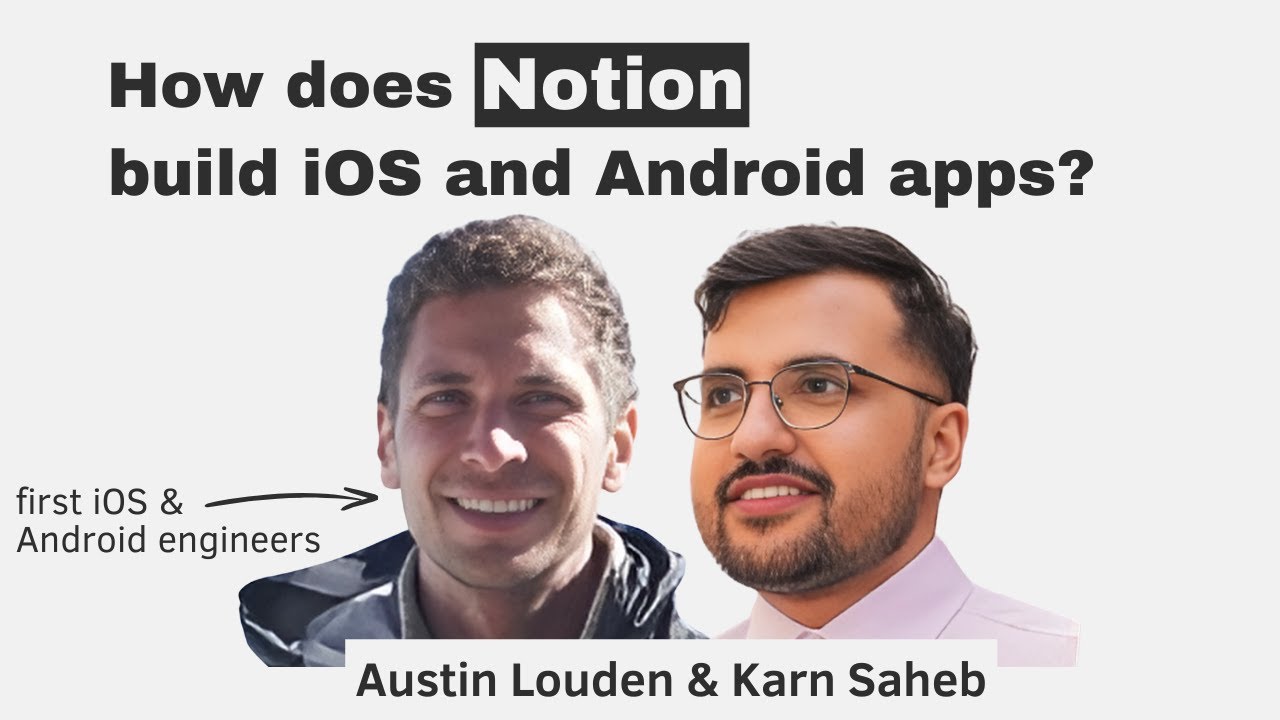
Notion’s mobile team — just 11 engineers split across iOS and Android — builds and maintains apps used by tens of millions of users, with about half of all new Notion workspaces created on mobile. In this episode, iOS tech lead Austin Louden and Android engineer Karn Saheb walk through the team’s engineering culture, the multi-year effort to move from a web-view wrapper to fully native apps, and the specific technical decisions that make this small team effective.
Engineering culture at Notion
RFC-driven product development: Most product changes at Notion are driven by engineers writing RFCs (Requests for Comments) that are shared companywide. Anyone — engineering, product, marketing, growth, leadership — can comment. This creates high ownership and high buy-in across functions.
Internal tooling efficiency: Because Notion is built in Notion, all tasks, specs, and documents live in one place, eliminating tool-switching overhead.
RFC Review Committee: As the company scaled, Notion introduced a rotation-based review committee (6-month stints) to ensure RFCs are properly vetted. This surfaced issues like product proposals that had no mobile section at all.
Two meetings per week: The mobile team deliberately avoids daily standups to protect heads-down time. They hold a Monday sync (performance review + tactical items) and a Thursday sync (project progress + demos). Tactical items that need more discussion move to Slack threads.
Weekly performance reviews: Every Monday the team reviews top-line mobile performance metrics — a practice running for about four years, born from a period when the team was unhappy with app performance.
No formal sprint planning: Instead of sprints, engineers make high-level two-week commitments (2–3 bullet points). After two weeks, the team reviews what was accomplished and what wasn’t accounted for.
The move from web views to native
Original app (2017): Notion’s first mobile app used Cordova — a wrapper around the mobile web app with hooks into OS-specific APIs (vibration, orientation, etc.). Later moved to React Native, but only for OS hooks; the app was still a single web view rendering the mobile web experience.
Why they decided to go native (2019): User complaints about performance, especially app startup time. The team measured “Initial Home Render” — time from tapping the app icon to the Home tab being visible — at 1.5–2 seconds, which they considered too slow. They concluded there was a performance ceiling with any shim layer (web view, React Native) and that only fully native code would give them granular control over the startup path.
Competitive context: Notion competes with Apple Notes and Google Keep, which are fully native. The team felt they needed to match that speed to be viable.
Incremental rewrite strategy: Rather than a full rewrite, the team moved one tab at a time to native, starting with the Home tab (the most performance-sensitive surface). This let them validate the approach, avoid multi-year rewrite risk, and ship continuously.
Home tab took ~9 months (starting 2021): This was the hardest part — there was no native code at all, so the team had to build the network layer, service layers, and local data model from scratch. Search and inbox followed, made easier by the infrastructure built during the Home tab project.
Total timeline: The full migration from 2019 to the present has been about four years, with the Home tab being the only project where the entire team was blocked on one deliverable.
Why the Home tab was so complex
Notion’s data model: Blocks are interchangeable (a to-do can become a heading, a heading can become a call-out), and the data model is recursive (titles can contain mentions of people, pages, or dates). Rendering a list of pages means handling all these variants.
Reactivity: Changes made on one device are reflected in near real-time on others. The Home tab had to support reactive updates to rows and content, requiring real-time connectivity infrastructure.
Local-first / offline support: Notion uses a transactions API — every edit (including favoriting a page) is a transaction written to SQLite and periodically flushed. This required building a full local sync layer.
The editor is saved for last: The editor is the most complex part of Notion (rich text, collections/databases, embeds like Figma designs). The team is now beginning to render certain rich text blocks natively but hasn’t tackled the full editor yet.
Tech stack and architecture
Languages: Swift (iOS), Kotlin (Android). Web views still power hybrid portions (TypeScript).
Reactive frameworks: Combine (iOS) and Flows (Android) — stream-based data pipelines that handle Notion’s real-time reactivity, piping data changes to the view layer.
UI frameworks: Jetpack Compose (Android) and Swift UI (iOS) — both adopted early (pre-1.0). The team considers this the right bet despite early pain points, because the industry is moving toward declarative UI and choosing them avoided a future rewrite.
Early framework workarounds: Compose had scroll performance issues early on; the team hacked around this by disabling click handlers during scrolling and reattaching them after scrolling stopped.
Persistence: SQLite on both platforms (not Core Data on iOS). The transaction sync service and network layer are mirrored 1:1 between iOS and Android for consistency.
Modularization: iOS has ~100 modules, Android ~50. Each module is a lightweight Swift package with explicit dependencies. Modules are categorized as features, services, models, helpers, or UI — this keeps the dependency tree clean and enables independent builds.
Fast build times: Clean build takes ~45 seconds. Engineers can build individual modules (1–2 seconds) by switching Xcode/Android Studio targets. The team is intentional about not regressing build performance and is positioned to migrate to Bazel or Buck if needed.
iOS and Android collaboration
Paired development: For most features, an iOS and Android engineer work on the same feature simultaneously, going PR-for-PR in sync. This was especially important when the team was small and collaboration across platforms was limited.
Mirrored app structure: The service and module files in iOS and Android have roughly the same structure, making it easy for engineers to navigate both codebases.
Cross-platform code reviews: Occasional, when engineers are writing essentially the same code on both platforms. Otherwise, ~80–90% of code reviews are within-platform.
Code reviews and developer velocity
Fast code review SLA: Short PRs are reviewed immediately; longer ones within about a day. The team prioritizes unblocking the next step.
Stacked PRs via Graphite: Engineers use stacked diffs to break large changes into smaller, reviewable pieces, reducing pressure on reviewers.
Broad code review participation: Because the team is small, almost everyone reviews PRs, which builds codebase knowledge over time.
Selective testing: The team didn’t write tests for everything early on. They focused on service-layer code (syncing, transactions) that absolutely could not break. The goal is to eventually test all public APIs, but this is a work in progress.
Fast compile times as a cultural value: The team treats build performance as a first-class concern, modularizing aggressively to keep iteration cycles short.
Release process and environments
Weekly releases with progressive rollout: Builds are cut Wednesday night, released to 1% on Friday, ramping to ~20% by Monday and increasing through the week.
Hybrid release model: The native app bundles a version of the app.js at build time, but the web client is continuously deployed in the background. Users may have a web client that’s newer than the native shell by up to a week.
Nightly public beta: Available via TestFlight and Play Store. Gives the team smaller diffs to investigate when regressions occur, compared to weekly internal builds.
Four environments:
Local: Engineer’s development machine.
Development: Used by all Notion employees (dogfooding). Deployed continuously. Catches the vast majority of issues.
Staging: Tested by QA nightly. Mirrors production as closely as possible.
Production: The public app.
Separate app binaries: Dev, staging, and production are separate apps on the App Store/Play Store, not just feature-flag toggles. Dev builds include extended logs, more crash reporting, and debugging info.
Feature flags in the hundreds: Used both to gate in-progress features and to quickly disable features in production if something goes wrong (e.g., a crash causing data loss). All new development starts behind a feature flag.
Offline and data model decisions
Transactions API: Notion’s core API for both creating blocks and favoriting pages. The flexible, generic design of this API was a historical decision that later enabled offline support — local transactions are written to SQLite and synced when connectivity returns.
Local-first UX: Because Notion stores users’ knowledge and content, the team prioritized never losing data. Offline support wasn’t just a nice-to-have but a core requirement driven by the product’s role as a personal knowledge base.
The future of mobile engineering
Declarative UI driving architectural change: Swift UI and Jetpack Compose are pushing mobile architecture toward store/reducer patterns (closer to Redux on the web) rather than traditional MVC/MVVM, because these frameworks treat view rendering as a function of state changes.
Maturing patterns: Mobile is past the “wild west” phase. Scaling a mobile product now requires deliberate architecture, and the industry is converging on better guidance for building mobile apps at scale.
Advice for growing as a mobile engineer
Early career: Focus on execution — shipping tasks on time with quality and craft.
Senior transition: Shift from problem-solving to problem-finding. Understand how your work connects to business outcomes and metrics. Ask “why this project?” and “what business objective does this move?”
Staff level: Build frameworks, tools, and documentation that make others more effective. Help people ramp up. Pair outside your immediate feature area.
Depth vs. breadth: Going deep on mobile (performance, sync layers, architecture) is still a strong growth path. But branching into adjacent areas (backend API design, cross-platform infrastructure) can also be valuable depending on the opportunity.