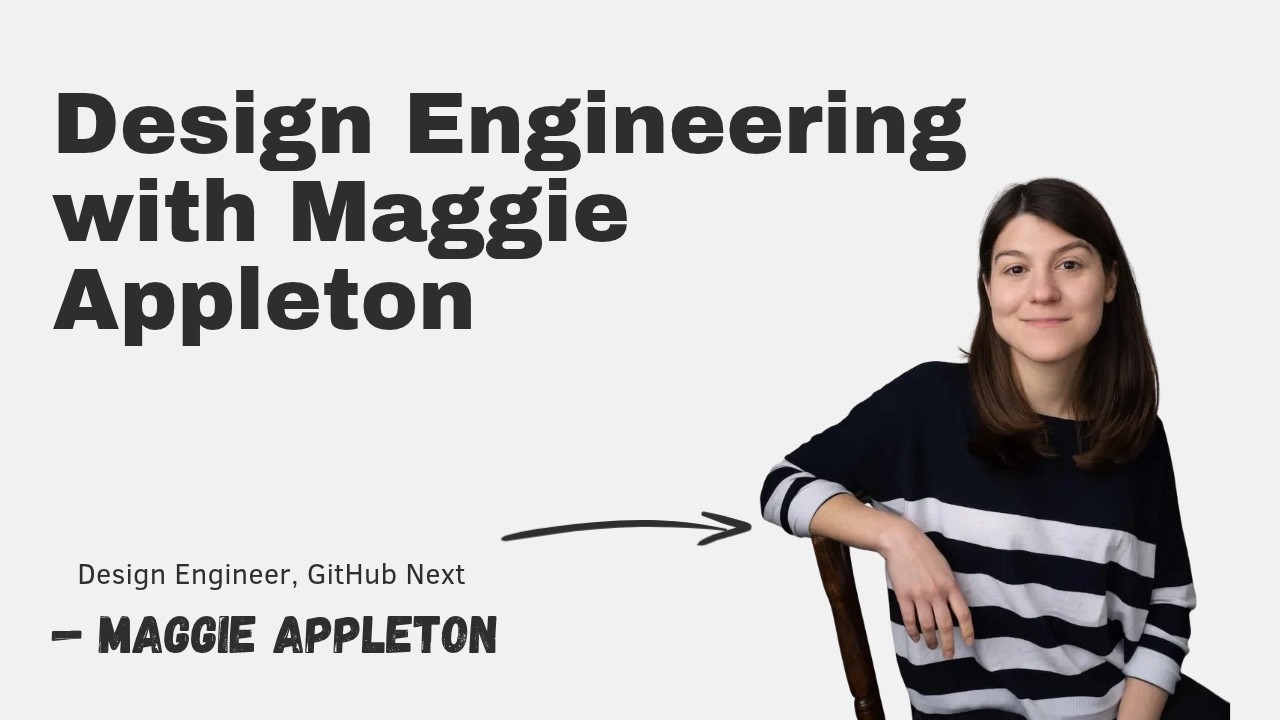
This episode explores design engineering through the lens of Maggie Appleton, a designer with a background in cultural anthropology and illustration who now prototypes agentic tools at GitHub Next. The conversation covers what design engineers actually do, how AI is reshaping the design process, why physical tools like pen and paper remain essential, and what engineers can learn from design thinking and anthropology.
Maggie’s path from anthropology to design engineering
Maggie studied cultural anthropology — the study of human cultures through immersive participant observation — which taught her how wildly variable human understandings of concepts like time, color, and social structures can be.
After university, she fell into freelance web design (having learned HTML/CSS as a kid customizing MySpace/Neopets) and gravitated toward illustration, working for a Prague dev shop building apps for early SF startups like Tinder and Uber.
At Egghead (developer education), she illustrated technical concepts for four years, which forced her to deeply understand React, JavaScript, and component architecture — becoming her real front-end engineering education.
At Elicit (early AI startup using LLMs to automate scientific literature reviews), she was the sole designer on a tiny team shipping a feature per week for over two years, learning end-to-end product design: user research, prototyping, front-end implementation, A/B testing, and iteration.
What a designer does: problem solving with different materials
Design is fundamentally the same problem-solving process as engineering — define the problem, research solutions, explore trade-offs, prototype, validate — but the materials differ: space, size, weight, color, motion, prominence, copywriting, and visual hierarchy instead of code and data structures.
In product design, you also define the “nouns and verbs” of the product: the conceptual objects users manipulate (e.g., “sneaker, cart, payment” for a store; “MCP, agent session, plan, skill” for AI tools) and the actions they can take on them.
The hard part is reducing immense complexity (especially in dev tools where primitives are still being invented) into a coherent, minimal set of nouns and verbs that users intuitively understand without surprise.
This mirrors what Kent Beck and Ward Cunningham did with design patterns: using a thesaurus to find the right names for software constructs so developers could reason about them clearly.
Design engineers vs. traditional designers
A design engineer is a designer who deeply engages with engineering: understands the technical architecture, data shapes, API constraints, and model capabilities, and often implements front-end code themselves.
Traditional product designers often focus on user advocacy, flows, and visual polish in tools like Figma, handing off static mockups to engineers — which creates friction when designs ignore performance, race conditions, loading states, or platform constraints.
Maggie argues this friction is largely a tool failure: Figma/Sketch mockups have no relationship to the constraints of the real medium (browser, iOS, Android). Designers who understand the “materials” (like a woodworker understands oak vs. pine) produce better solutions and better relationships.
Agents may help bridge this by letting designers query technical constraints (“explain this error state,” “help me build a state machine”) and implement their own designs, reducing handoff loss.
Maggie’s current toolkit: notebooks, Figma, and agents
Notebooks/pen & paper: Still the starting point. Externalizing visual/spatial ideas by hand is faster than prompting an agent, doesn’t disappear off-screen, and supports non-linguistic thinking. Agents are poor at spatial reasoning and visual design (spacing, sizing, overlap).
Figma: Used for medium-fidelity exploration — nailing contrast, type scale, color — but never high-fidelity mockups because browser rendering, responsiveness, and breakpoints always change things. Prototypes move to the browser early.
Agents (Codex, Claude Code, etc.): Now handle implementation. Maggie specs the design clearly, defines verification steps, and hands off to an agent (“let me know when you’ve got a PR up”). She reviews PRs at a skim level. Most work is now upfront (defining what to build) and review, not implementation.
Jigs (live variable controls): Borrowed from woodworking — a custom tool for a specific job. In a live prototype, she asks the agent to add sliders/color pickers for every uncertain variable (animation speed, gradient angle, star size, glass opacity). She tweaks live, locks in values, and commits. This is “build your own Figma as needed” and realizes Bret Victor’s “live programming” vision.
The planning bottleneck and multiplayer agent work
Current agent planning is a poor UX: long CLI chats, endless multiple-choice questions (A/B/C), decision fatigue by question 20, no visibility into when it ends. Humans need spatial, visual, diagrammatic interfaces to make informed decisions.
Maggie is prototyping a planning interface where each decision gets its own “card” with the right representation: multiple choice for simple decisions, architecture diagrams for structural ones, visual previews for aesthetic ones. Decisions are assigned to humans for audit trails.
One developer, two dozen agents, zero alignment: Individuals go fast with agents, but software is built by teams. No good tools exist for pre-implementation alignment — agreeing on approach, interface shape, database migrations — before handing off to agents. Agent sessions are private/local; no real-time multiplayer exists yet.
GitHub Next built ACE (Slack + cloud sandboxes + microVMs) as a multiplayer prototype, but it was too ambitious for a small team. Pieces (sandboxes) are shipping to GitHub Desktop. The next frontier: proactive agents that aren’t annoying — how to consume 100 background agents’ outputs without overwhelm, and how agents collaborate in documents without being invasive.
AI’s impact on design: speed, but not taste
Prototyping transformed: What took days in Figma (faking interactions, ugly placeholders confusing users) now happens overnight via agents. High-fidelity, functional prototypes with real data/physics are trivial.
But agents lack design judgment: They over-label (writing “close sidebar” on an icon button), add instructional text clutter, apply “universal principles” rigidly without nuance/context, and fail at visual polish (spacing, sizing, hierarchy). Maggie still has to intervene on details.
Capability gaslighting: Models impress on one task, then fail unpredictably on another — or the same task tomorrow. Unlike humans, their performance is stochastic and inconsistent, making trust hard to calibrate.
AI design tells: Agents converge on a recognizable aesthetic (Linear/Vercel minimalism: cream backgrounds, rounded corners, specific red accents). As this becomes a “tell” for “no human cared,” standing out will require human-driven novelty. Design is partly fashion — cultural signals that models don’t inherently grasp.
Digital gardens, barefoot developers, and home-cooked software
Digital garden: A blog where posts don’t have to be finished. Maggie uses three stages (seedling → budding → evergreen) to publish half-thoughts and iterate publicly. It defeats perfectionism and lets readers see the process.
Home-cooked software (Robin Sloan): Software built for yourself/family like a home-cooked meal — not for sale, not on someone else’s server, no data trade. LLMs/agents make this explosion possible (personal recipe managers, gym trackers, household apps).
Barefoot developers (inspired by China’s barefoot doctors): Power users in every community who can build custom software for local needs (allotment garden, street schedule) using agents — if they have good foundations. Current vibe coders hit security/persistence holes. Maggie advocates for local-first frameworks with solid primitives (security, sync, data sovereignty) so barefoot developers build on bedrock, not sand.
Advice for engineers: learn design via agents; anthropology lessons
Engineers → design: Use agents as patient tutors. “Teach me typography,” “What are good sidebar principles?” Agents are decent at conceptual design (nouns/verbs, data representation) even if visual execution needs human polish.
Anthropology for engineers: Put on the “anthropologist glasses” — look for unspoken cultural rules in your users’ context. How do they decide what’s trustworthy? How does time flow (left-to-right isn’t universal)? How do they categorize color? Understanding this variability prevents building for a single, narrow worldview.
Embed with users: Like traditional anthropologists living with communities, engineers should go be the customer — understand the real-world context of use (factory floor, subway, hospital), the moment they reach for your product vs. a competitor’s.
Book recommendation
Addiction by Design (Natasha Dow Schüll): An anthropologist’s study of gambling machine addicts in Las Vegas and the machine designers. How do you engineer a machine someone sits at for 12 hours? Casinos remove windows/clocks; machines tune near-misses and feedback loops. A direct lens on the addictive systems we now build (phones, Instagram, feeds).