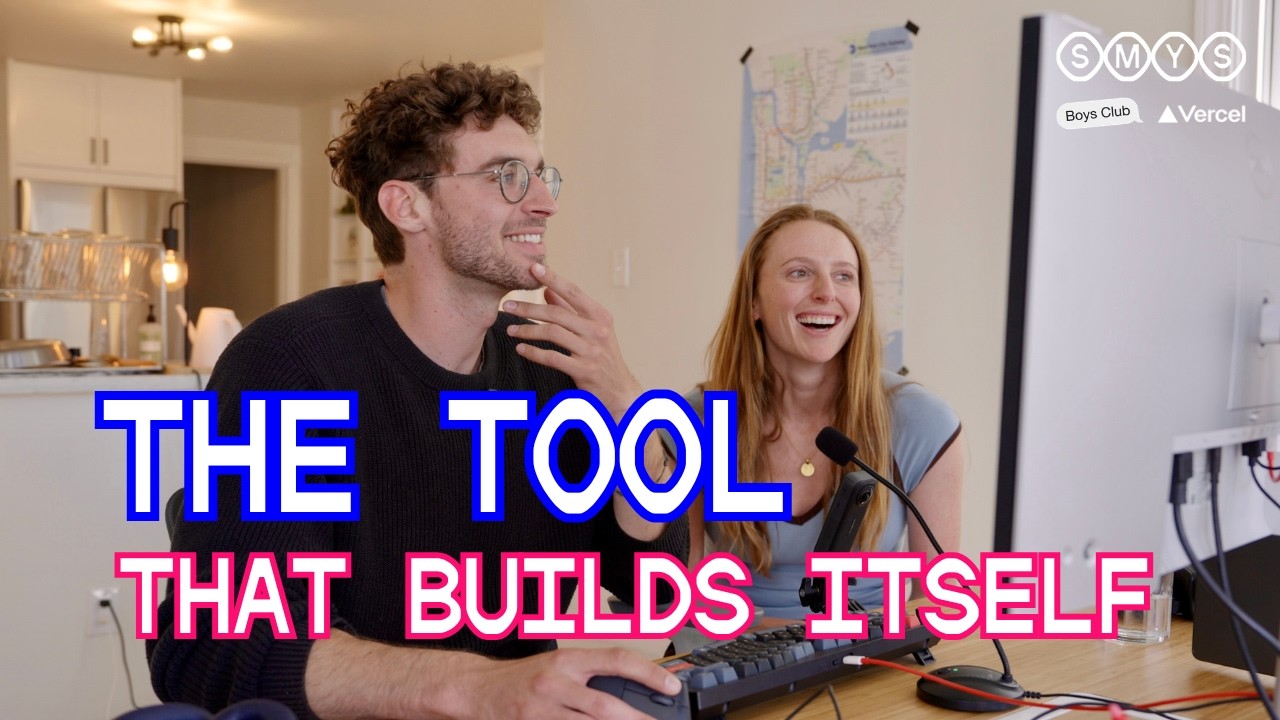
Charlie Holz is the co-founder and CEO of Conductor, a developer tool that lets you spin up isolated sandbox workspaces — each backed by a coding agent operating on a copy of your codebase — and then review and merge their work. The episode walks through his physical workspace, software stack, how he uses Conductor to build Conductor, and the product’s emerging philosophy around human-driven architecture with AI-assisted execution.
The analog and physical setup
Charlie keeps a notebook nearby for doodling and scribbling ideas during calls or while thinking through features.
He 3D-printed an attention flag (his co-founder Jackson has one too) — a physical signal for “do you want to chat?” from when they worked diagonally across from each other wearing headphones.
He uses a gooseneck desk mic at Conductor to speak into the computer rather than type, part of a company culture where speaking to your computer is normal and even whisper-quiet communication is possible.
Other physical tools: a Keychron Q10 diagonal keyboard, a Logitech MX Vertical Mouse (recommended by the creator of Elixir for wrist health), and a second pair of glasses optimized for monitor distance.
The software stack
Conductor is the first app he opens — he often has five instances running simultaneously: Conductor prod, beta (updated every beta cut), alpha (updated on every main push), a local-only experimental build (e.g., testing terminal repositioning), and a build for wild interface experiments.
Zed is his code editor of choice for reviewing agent output — valued for being snappy.
Notion Calendar for scheduling — he appreciates its one-click toolbar view and keyboard shortcuts.
Safari as browser — deliberately avoids AI features in browsers, preferring the simplest default tool.
Raycast over the built-in Mac launcher for speed.
Spokenly for dictation — runs a local model called Parakeet on his 128 GB MacBook, described as “insanely fast” for turning speech into text instantly.
Granola for meeting notes — he wants to use it more for internal meetings, noting a feedback loop where markdown notes become context for Claude or Codex.
He uses /etc/hosts to block distracting websites.
How he uses Conductor internally
Each workspace is an isolated copy of the codebase with its own coding agent — he’ll spin up multiple in parallel, sometimes switching models (e.g., one on Claude, another on GPT-5 for Codex), to test different approaches simultaneously.
Workspaces are named after cities (Tripoli, Chicago, Luxembourg, Tokyo) — a gamified experiment that became a public feature, with rare “legendary” cities like Mesa Verde.
One experimental feature he’s building: a social-network-style feed of all agent work, where Claude’s contributions appear as posts with GitHub comments you can click into and reply to.
He describes the feedback loop of using Conductor to build Conductor as “pretty addictive” — constant bugs, features, and interface experiments all happening in parallel sandboxes.
Conductor’s operating principles and philosophy
Don’t let the AI be the architect — humans should drive the design of new features and big system changes; AI assists with execution. He describes this as a core principle and likens it to “no-go zones” for AI.
Writing is human, speaking is AI-assisted — the company is “very pro AI writing code” but “very anti AI writing” (prose), because AI-written text feels inauthentic. Writing down the plan is the thinking part, and that stays human. Speaking into the computer (via Spokenly) handles everything else.
CLAUDE.md and forbidden patterns — agents initialize with project context including a CLAUDE.md file that explicitly lists forbidden patterns and no-go areas, which he considers some of the most valuable instructions you can give AI.
/Skills — internal package skills (e.g., “create PR,” React best practices) encode institutional knowledge as reusable prompts. Currently internal, but he sees potential for sharing skills across teammates and analytics on skill usage (e.g., “Jackson used this skill 50 times — want to try it?”).
Personality in tooling — small touches like a setting that finds and removes the phrase “you are absolutely right” from Claude’s output, added because a user (Sonic 4) complained Claude always said it.
Ideation process
He likes going from zero to 80 prototype quickly, then stepping back to think through system integration, edge cases, and letting teammates review before a final iteration.
Side project: Lord Crandon (OpenClaw / Nano Claw)
A personal assistant experiment that doubles as a workout coach and customer support agent — monitors customer feedback portals and Reddit hourly, sends summaries, and tracks his long-term goal of getting “everything in the company” running through such agents so anyone can tag it and ask about meetings, feedback, or ongoing work.
Side project: LinkedIn satire
A pandemic-era project creating a satirical alter-ego version of LinkedIn where historical figures (Gil Bates, René Descartes as “a hustler”) exist as personas, with a webcam-based David Attenborough narrator demo that went viral when he tweeted it from a coffee shop.
What’s next: Conductor Cloud
The major upcoming initiative is Conductor Cloud — each workspace will be backed by a cloud VM instance, built on Fly.io using a service called Sprites that spins up VMs on demand.
Designed to be cloud-agnostic — users who don’t want code on Conductor’s servers can bring their own cloud.